SUBMIT A SUPPORT REQUEST
Keep celebrating school life. Just do it more safely.
Add increased protection to safeguard the images published on your school website
A group of children laughing in the playground. A Year 6 production. Sports day. The joy on a child’s face when they finally crack a problem they’ve been wrestling with all week.
These are the moments schools share on their websites, and rightly so. They tell the story of your school far better than any marketing copy ever could.
But the world has changed. AI tools capable of manipulating photographs are no longer specialist technology they’re free, widely available, and require no technical skill to use. And for school leaders, a question that once felt routine; should we put this photo on the website? Now carries a weight it never used to.
This is not hypothetical. The UK Safer Internet Centre has documented that criminals are actively harvesting photographs from school websites. Explicit AI-generated imagery involving children has increased by more than 550% in five years.
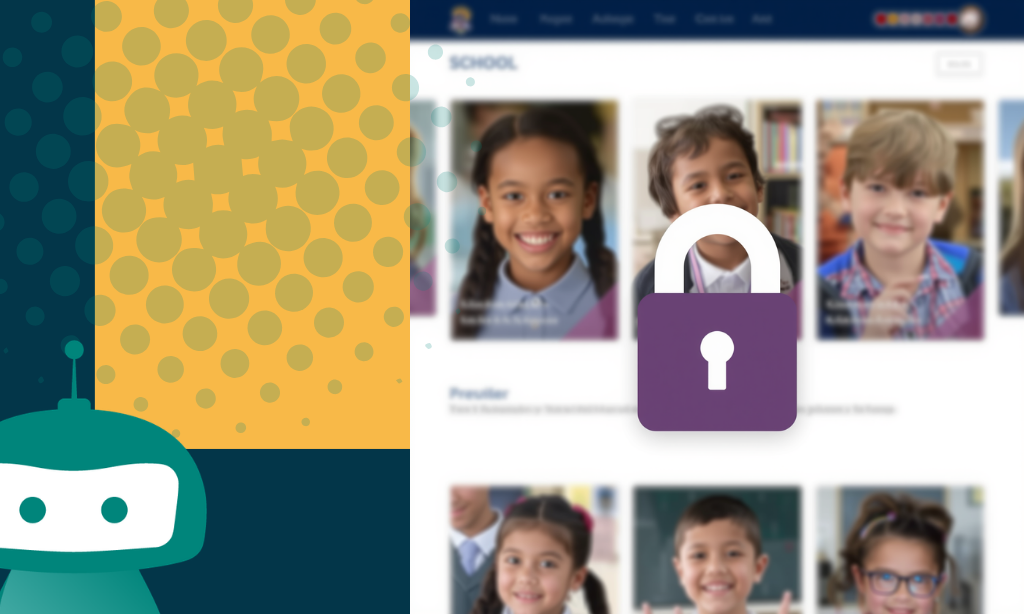
What We’ve Built and Why
We are not in the business of telling schools they should take every photograph off their website. What we have built instead is a layer of technical protection that sits between your published photographs and anyone who would misuse them.
Images are never delivered directly to the website
With an iTCHYROBOT protected website, images are never delivered to the browser with a direct web address. Every image uses a unique, time-limited token so there’s nothing for scrapers or automated tools to harvest.
Every Image Carries a Forensic Watermark
Every protected image carries an repeating pattern of your school’s QR code across the entire surface at low opacity. It can’t be cropped out and it survives editing attempts to prove exactly where the image came from.
Cryptographic Token Security
Every image token is generated using HMAC, the same technique used in online banking and secure government systems. In plain terms: the server uses a secret key that cannot be guessed, forged, or reverse-engineered without knowing the secret key.
Right-click saves are blocked
On a standard webpage, right-clicking on a photograph and selecting “Save image as” is all it takes. With an iTCHYROBOT website, images are rendered inside a canvas element rather than standard image tags, meaning the familiar “Save image as” right-click route simply doesn’t work.
The QR Code That Speaks for Itself
In the bottom corner of every protected image, at full visibility, sits the school’s QR code. When they or anyone else points a camera it links to this page that simply explains, clearly and calmly, that school images are protected, that they belong to the school, that their origin can be traced.
Minimal Impact on Performance
For a school website, the real-world performance difference is effectively zero. The security benefit, however, is substantial.
You’re in control
Turn protection on or off from a single toggle in your WordPress admin dashboard under Media and Image Protection. Choose which pages or galleries need it.
No external service, no third-party subscription, no data leaving your school’s own hosting.
Why Schools Love it
Aligned with the latest statutory guidance – The DfE’s updated Keeping Children Safe in Education 2025 and RSHE statutory guidance (July 2025) explicitly address AI-generated imagery and deepfakes. Our Image Protection Tool gives schools a documented, technical response to these requirements, not just a policy.
Everything stays on your server – Images, tokens, security keys, everything runs on your school’s own hosting infrastructure. Nothing is sent to a third party.
No additional subscription – Image protection is included as part of the iTCHYROBOT Core Platform. There’s nothing extra to pay, nothing extra to install, and no external service involved.
Quick to switch on, easy to manage – A single toggle in your admin dashboard is all it takes. No complicated setup, no technical knowledge required. Our team is on hand if you need any help.
Raises the barrier without removing the joy – We’re not asking schools to take every photo down. We’ve built a layer of protection that makes casual, automated harvesting significantly harder so you can keep celebrating your school community with confidence
The Regulatory Context
The UK Safer Internet Centre’s Image Guidance for Education Settings urges schools to conduct regular audits of their websites for identifiable pupil images, remove metadata from photographs, restrict public access to pupil imagery wherever possible, and establish clear incident response procedures.
iTCHYROBOT’s Image Protection Tool directly supports compliance with this guidance and gives your school a concrete, evidenced response if ever questioned about your approach to digital safeguarding.
What This Doesn’t Replace
Technical protection is one layer of a broader safeguarding approach. It sits alongside, not instead of, the following:
- Maintaining up-to-date, granular photo consent from parents, renewed annually
- Following the ‘names-no-images, images-no-names’ principle for identifiable pupils
- Having a clear, published image use policy
- Ensuring staff understand the risks and know how to respond to an incident
- Teaching pupils, as the new RSE statutory guidance requires, about deepfakes and their legal implications
Want to find out more or switch it on?
If you’re an existing iTCHYROBOT school, Image Protection is already available to you, just log in to your admin dashboard
and go to Media and Image Protection.
If you’d like to talk it through, or you’re not yet an iTCHYROBOT school and want to know more about what our platform includes, we’d love to hear from you.